Age confirmation
Ask visitors to confirm they're 18 or older before your landing opens its links.
Available on:Pro · Agency · Scale
Age confirmation puts a checkpoint in front of your landing: the visitor has to confirm they're 18 or older before the page opens your links. Turn it on whenever your destination carries an age restriction — it sets expectations up front and leaves a record that you asked.
- 1
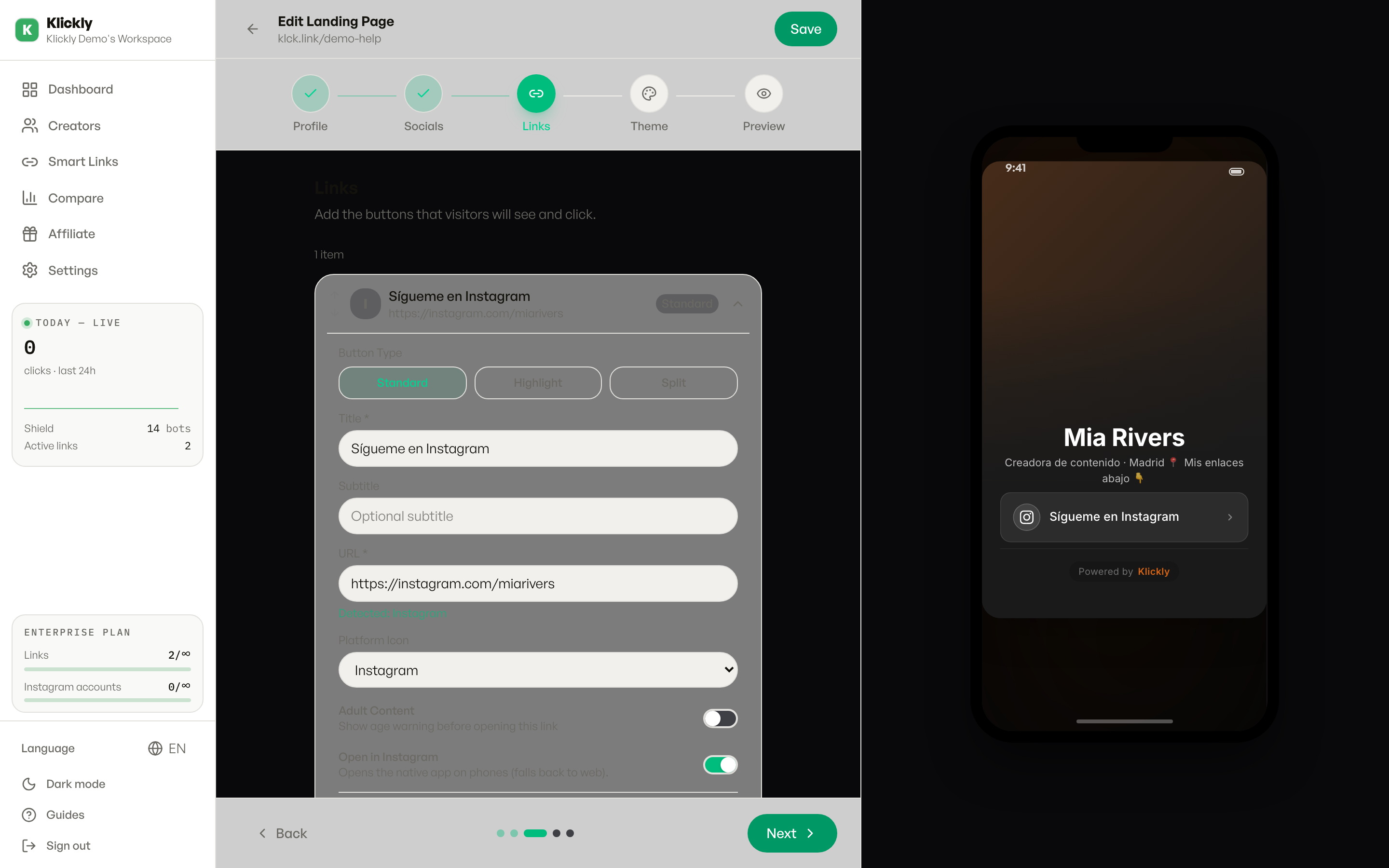
Open your landing in the editor
Sidebar → Links → pick the smart link you want → Edit. This opens the landing-page editor.
- 2
Expand the Advanced section
Scroll to the bottom of the editor and click Advanced to expand it. You'll find Tracking Pixels, Shield Protection, Age confirmation, and the redirect rules in there.
- 3
Turn on Age confirmation
Flip the Age confirmation toggle (the description reads "Show an age confirmation screen before opening the link"). When it's green it's active.
- 4
Save the landing
Save your changes in the editor. The checkpoint is live the next time someone opens your public link.
- 5
Preview it as a visitor
Open your public link (klck.link/your-slug or your custom domain) in a private/incognito window to see the screen exactly as your audience will.
What the visitor sees
When the visitor taps your main button, an overlay appears with your avatar, a heading stating the content is for people aged 18 and over, a one-line notice about what the link may contain, and a Continue button. They can close it or tap Continue to carry on to the destination. The text auto-translates to the visitor's language (English, Spanish, Portuguese, French, Italian, German, Dutch). You can't edit the wording from the editor — it's deliberately fixed so the notice stays unambiguous.
Tip
This is a page-level checkpoint for the whole landing. If you only want to put one specific link behind it instead of the entire page, use the per-card 18+ option on that individual card instead.
What this does NOT do
It's a self-certification screen, not identity verification: there's no ID check or document upload, and anyone can tap Continue. It doesn't hide anything from search engines or social crawlers on its own, and it isn't a substitute for the age-restriction rules of any specific platform or country. Treat it as a clear notice, not as legal compliance.
Available on Pro, Agency and Scale. On Free and Individual the Age confirmation toggle isn't available, so you'll need to upgrade to use it.