Shield: anti-shadowban bot protection
What Shield does, why it matters when posting links to Instagram, and how to activate it per link.
Available on:Individual · Pro · Agency · Scale
Shield is the core differentiator of Klickly versus tools like Linktree. When you paste a klck.link URL into your Instagram caption, Instagram's crawlers (Meta's headless browsers) fetch the page to decide whether to show it as a normal link or downrank your post (a "shadowban"). With Shield on, every visitor — crawler or human — gets the same neutral page: it has no real outbound link in its HTML and a clean, generic preview. The real destination is injected by JavaScript that only a real browser runs, so the crawler finds nothing to flag and your post keeps its reach.
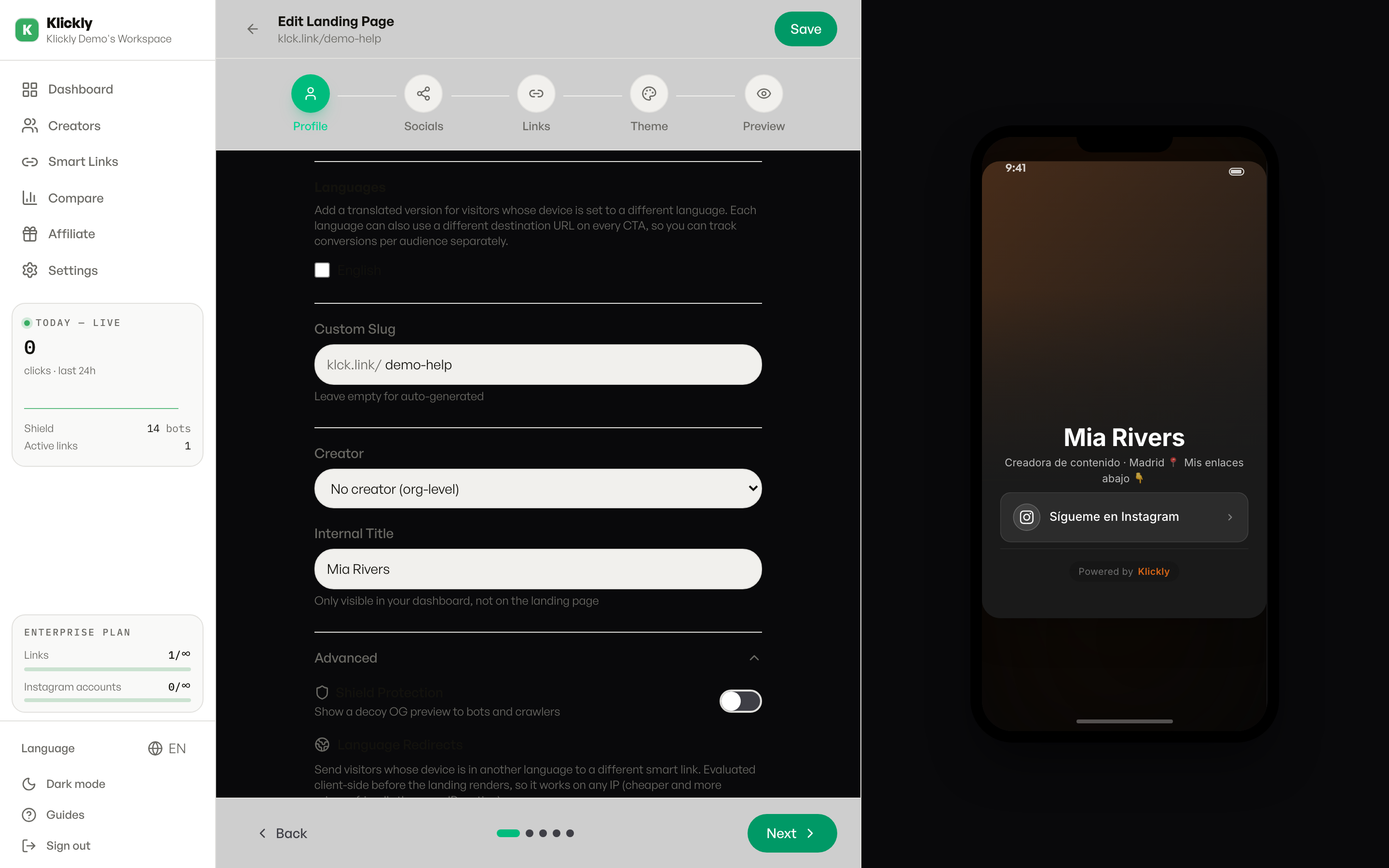
- 1
Open the smart link's edit page
Sidebar → Smart Links → click the link you want to protect → Edit. Shield lives in the Advanced section toward the bottom of the editor.
- 2
Toggle Shield on
Flip the Shield switch. The toggle is granular per link, so you can leave the protection off for links you only share via DM (no crawler will see them) and on for the ones in your IG bio or captions.
- 3
Customise the OG meta-tags (optional)
When Shield is on, the page carries a neutral OG title, description and preview image — the same ones every visitor and crawler sees. By default they're generic; in the Advanced section you can override them with a plausible title and image that match your brand, without hinting at the real destination.
- 4
Save and check the shield-event feed
Hit Save. Within minutes, when Instagram or Threads or Facebook crawls the link, you'll see entries appear in Sidebar → Dashboard → Today live (shield hits) and in /dashboard/shield-events. Each row records the crawler name (facebookexternalhit, Meta-ExternalAgent, etc.) and the time.
Tip
Always toggle Shield ON for any link you'll put in an Instagram bio or post caption. Toggle it OFF for links you share via DM, Telegram or WhatsApp — no crawler will fetch them, so Shield adds no value there.
Why this works (the short version)
Instagram doesn't render JavaScript when its crawler scans your link — it just reads the HTML. The page Klickly serves is static HTML with no real link in it; the actual destination is injected by client-side JavaScript, which only runs in real browsers. The crawler reads a plain page → no shadowban. A human's browser runs the JS → the click goes through. Everyone gets the same page; only a real browser turns it into a working link.
What Shield does NOT protect against
Shield protects against the link-crawler shadowban. It does NOT change Instagram's algorithm for your content itself — if your photos / Reels / captions break community guidelines, that's a different problem. Shield only ensures the LINK isn't the reason your reach drops.